isolved Login Help

Ways to fix common isolved login issues:

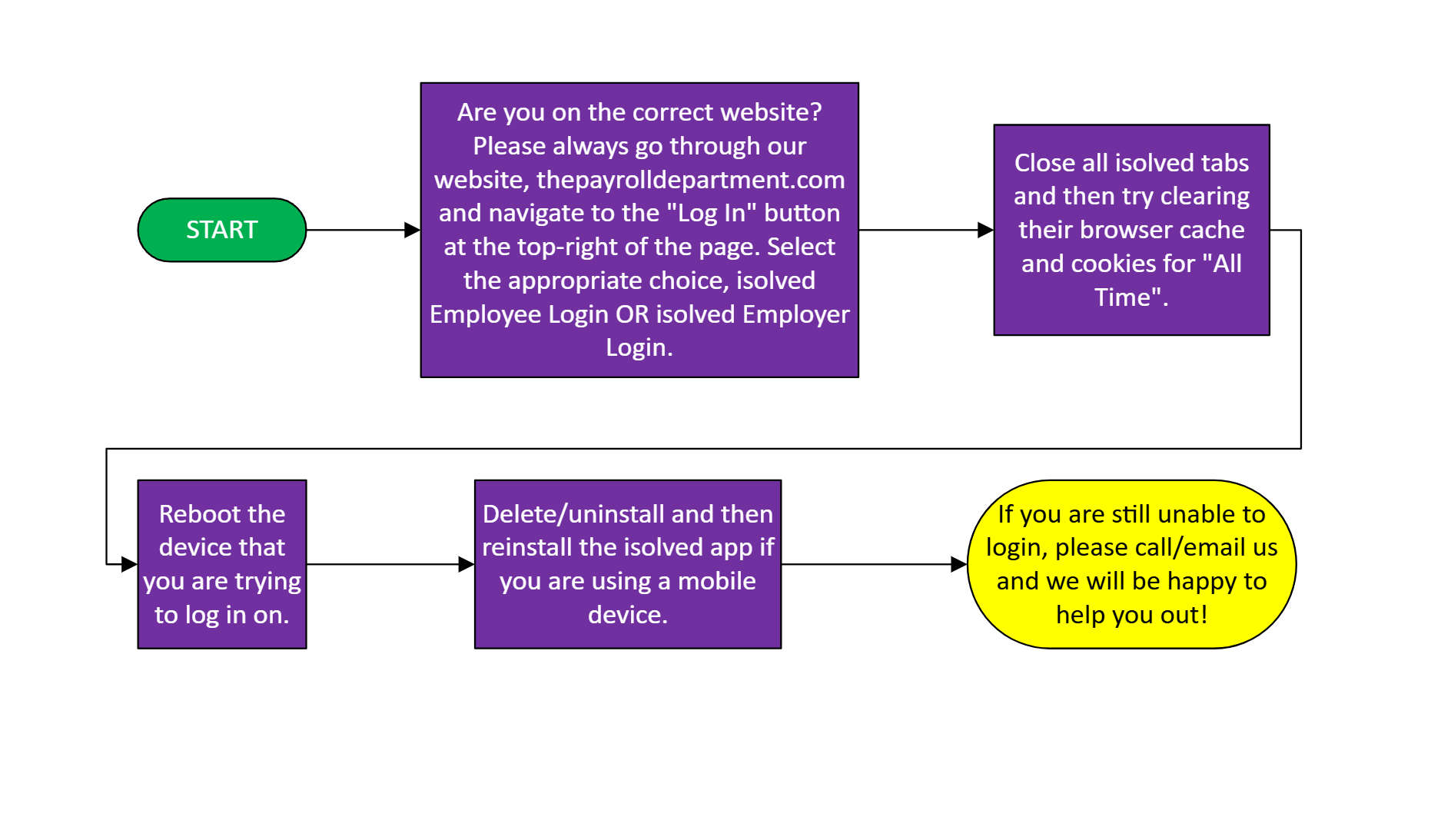
  • Most times, an employee may be on the wrong website. Please have the employee go to our website, thepayrolldepartment.com (this website) and navigate to the "Log In" button at the top-right of the page. They'll need to select isolved Employee Login and enter in their login information.

  • If that does not work, have them close all isolved tabs open and then try clearing their browser cache and cookies for "All Time".

  • We also suggest rebooting the device that you are trying to log in on.

  • Lastly, delete (uninstall) and reinstall the isolved app if you are using a mobile device and then try again.

Get Started with The Payroll Department

Take the first step towards simplifying your payroll and HR processes. Reach out to our team for more information or to discuss your needs.

Column